|
start | overview | signal flow | workflow | screen | midi | cue levels and overdub | quick manual | repair
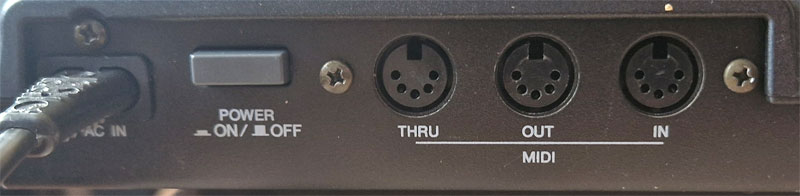
Connect MIDI OUT to the Sequencer of a synth, drum machine or computer sequencer to drive the clock of the external sequencer.
Create a MIDI Clock Tempo Map in de MD8
With a Tempo Map you can specify the Tempo and Time signature (called "Meter" in the MD8) for every Measure.
Go to EDIT > Song Tempo to create a Tempo Map.
The first and default item in the Tempo Map screen is a time signature of 4/4 and 120 bpm Tempo.
The first item can be changed, but not erased.
1. Time Signature Setup
Select "Meter Setup" to set the Time Signature for every Measure. There are 26 slots per Song available (A .. Z).
The slots will be sorted from (A..Z). The letter is followed by the Measure Number.
Measure number 000 is the trash can.
The extreme values are: 0..99 / 2,4,8,16
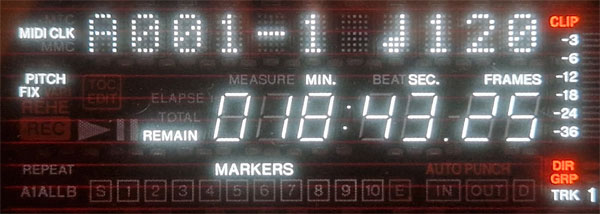
2. Tempo Setup
Select "Tempo Setup" to set the Tempo per Measure and Beat.
Sorting works the same way.
The exttreme values are 20..300 bpm.
Eg. when the Time Signature is set to 6/4, the Tempo for this Measure can be set on Beat number 1 to 6.
Change the Measure Number to 000 to delete this slot.
The Tempo Map will be saved witrh the song to MiniDisk. Press STOP / TOC WRITE to save the settings.